
Design thatearns its spaceon the screen.
We design products people actually want to use. Clear flows, restrained interfaces, and the small details that decide whether someone comes back tomorrow.
Three rules. Every project. No exceptions.
“A user should never have to guess what happens next.”
Hierarchy, spacing, and copy doing the work the user expected someone to do for them. Buttons that look like buttons. Errors that explain themselves.
“The best design choices are the ones we did not ship.”
Every extra element costs the user attention. We start with nothing on the screen and earn each thing we add. Less ink, more meaning.
“Design has to match what the product can actually do.”
No mockups that promise things engineering cannot ship. We design with the constraints in the room, then make those constraints feel intentional.
From sketch to product, three weeks apart.
Our process leaves a trail of progressively more polished artifacts. Here is the same screen, wireframed first and shipped a few weeks later.
The same screen, three weeks apart.
Where craft meets code.
Every screen we ship includes a living component library, design tokens, and annotated specs. Your engineers build faster. Your brand stays consistent. Nothing gets lost in translation.
- Figma component library
- Design token system
- Annotated handoff specs
- Responsive breakpoint guide
- Motion & interaction notes
Six things we design. Done well.
Product UX
End-to-end flows for SaaS, dashboards, and internal tools. Information architecture, task flows, and screens that hold up at scale.
Mobile-first design
Native iOS and Android patterns, gesture-aware interfaces, and layouts tuned for the thumb. Designed once, on a real phone, not in a desktop browser.
Marketing & landing
Editorial layouts, conversion-tuned hero sections, and brand systems that travel. Pages that make the case in seven seconds.
Design systems
A small library of components, tokens, and patterns. Living in Figma, mirrored in code. New screens get faster every week.
User research
Interviews, usability tests, and quick clickable prototypes. We bring real users into the room before pixels harden.
Visual identity
Logos, color systems, type pairings, and the rules that hold them together. A brand your team can actually use without asking us.
Five steps. No surprises.
Listen
Stakeholder interviews, user calls, and a clear-eyed look at what the product is supposed to do.
Sketch
Pencil and paper. Wireframes. The cheapest tools, on purpose. Throw away ten ideas to find one.
Prototype
Clickable Figma prototypes that feel like the real thing. Test them with users before code is written.
Refine
Visual design, motion, micro-interactions. Pixel-level care on the screens users see most.
Hand off
Design tokens, components, specs, and a Figma file engineers can build straight from. Office hours included.
From Our Blog
Related Insights
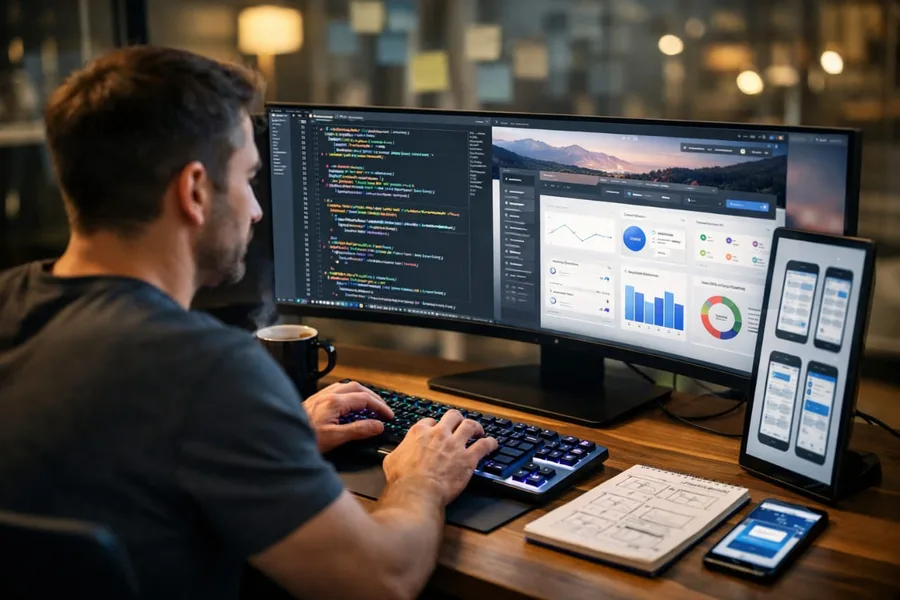


Ready to build the product? Explore our web development and mobile app development services
Let’s designsomething worth keeping.
Tell us what you are building. In a 30-minute call we will tell you the smallest design exercise that will move it forward, and how soon we can start.